
Start with a concrete game idea and the controls, style, and scoring you want.
PlayWorks creator stack
How to Make a Game with AI
This tutorial walks through a practical AI game creation workflow: pick a focused loop, prompt the first draft, test the browser build, refine one blocker, then prepare the game for publishing.
Crawlable tutorial stepsPrompt-ready creator pathReal Playworks examples
Build loop
Move from idea to playable browser build without leaving the creator flow.
Describe the game you want and generate a playable draft.
Publish with leaderboard and reward settings when the build is ready.
Prompt starting point
Create a one-screen arcade game where the player pilots a rescue drone with WASD, collects signal beacons, avoids storm clouds, scores combos for fast pickups, loses when battery reaches zero, and can restart from a result screen.
Choose what you need next
Use the page as a short path instead of reading every section in order.
Prompt examples by genre
Copy a complete starter prompt, then change the controls, theme, scoring rule, or win condition.
First draft
Small playable scope
Make a one-screen arcade game with arrow-key movement, one collectible, one hazard, visible score, health, result screen, restart button, and a clear objective on the start screen.
Reference: GalaSnake
Follow-up refinement
Fix one blocker
Keep the current game structure. Make the player 15 percent faster, add clearer collision feedback, show final score on the result screen, and keep the existing restart button.
Reference: Armor Plated
Leaderboard prep
Single submitted score
Use one final score for the leaderboard. Show score during play, freeze it on game over, display the final score on the result screen, keep the restart button visible, and submit only after the run ends.
Reference: Moonlander
Publish prep
Player-facing public page
Add a title screen with controls, a short objective, readable HUD labels, result screen copy, restart flow, and a public-page description that explains how score is earned.
Reference: Nova Swarm
Published Playworks examples
Play a live example here, then use the public game pages as references for prompt scope, readable HUDs, scoring, and restart loops.
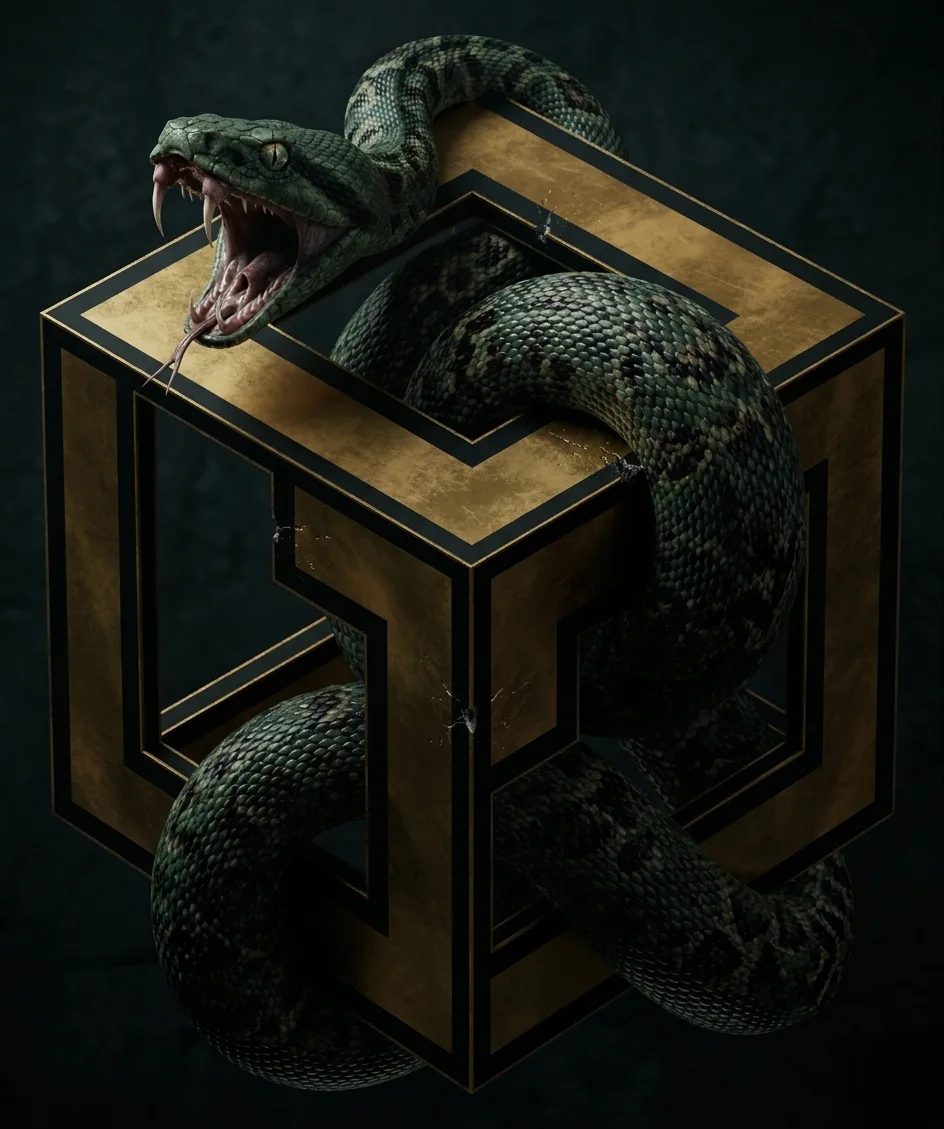
Classic score-loop reference for clear controls, growth, collision, pickups, and a fast restart.
Prompt focus: arrow-key movement, pickups, collision rules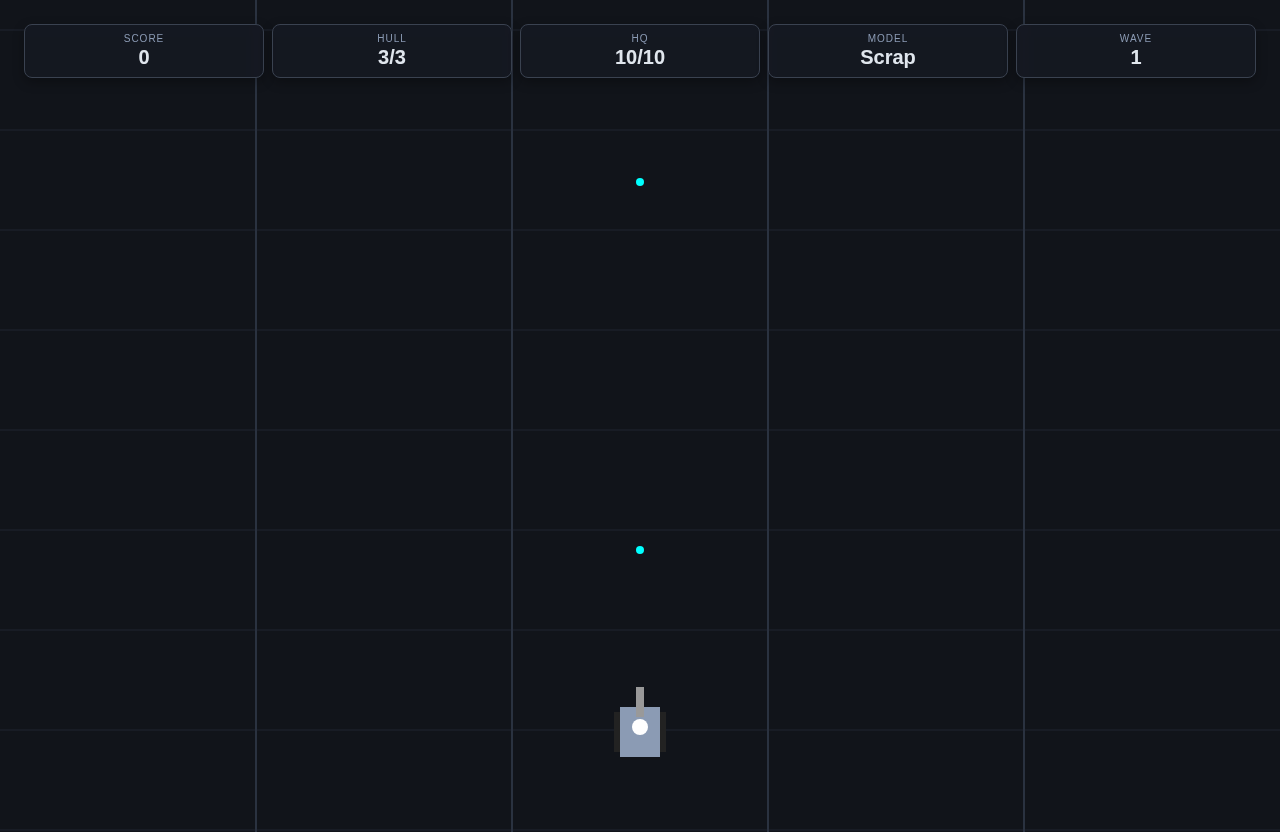
Action-game reference for movement clarity, public game-page copy, leaderboard proof, and visible game state.
Prompt focus: combat feedback, scoring, public page readiness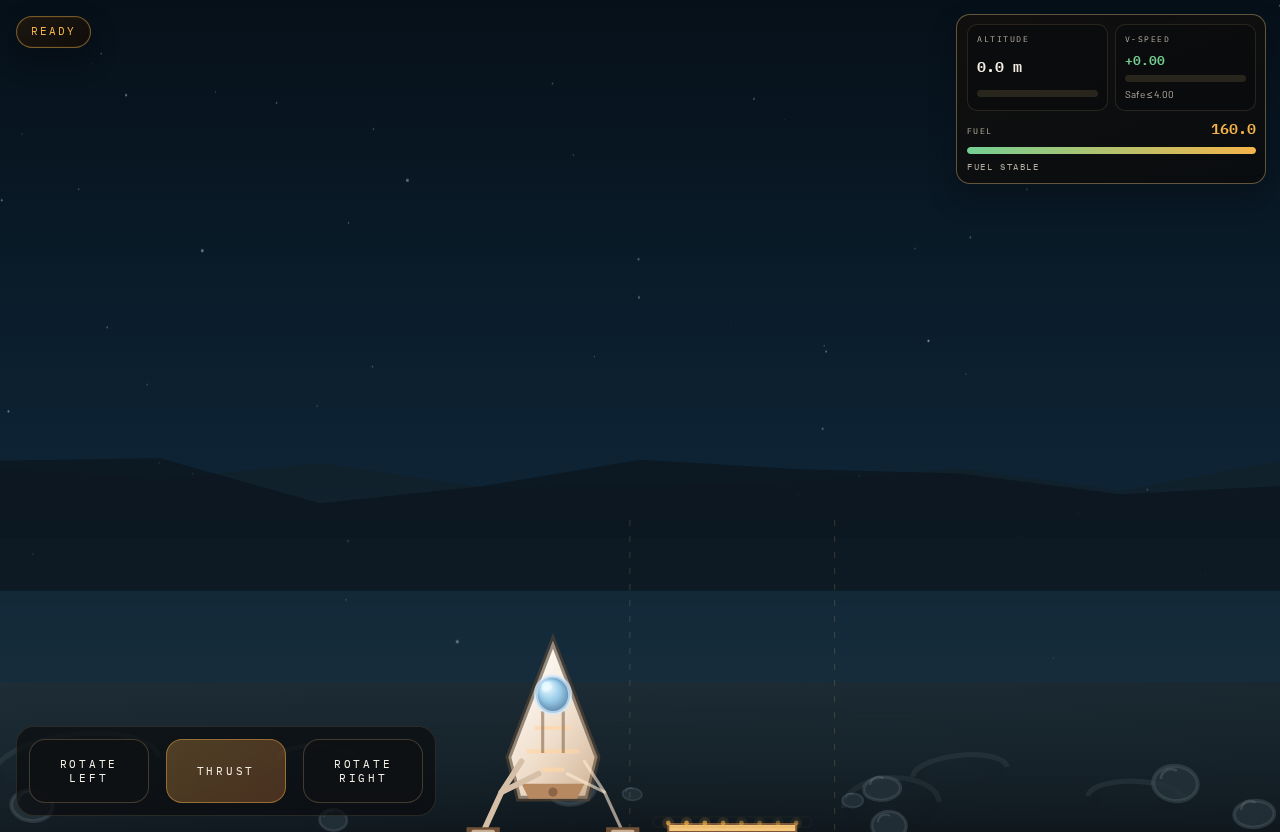
Precision arcade reference for thrust, fuel pressure, crash state, landing score, and replay pacing.
Prompt focus: thrust controls, fuel limit, landing score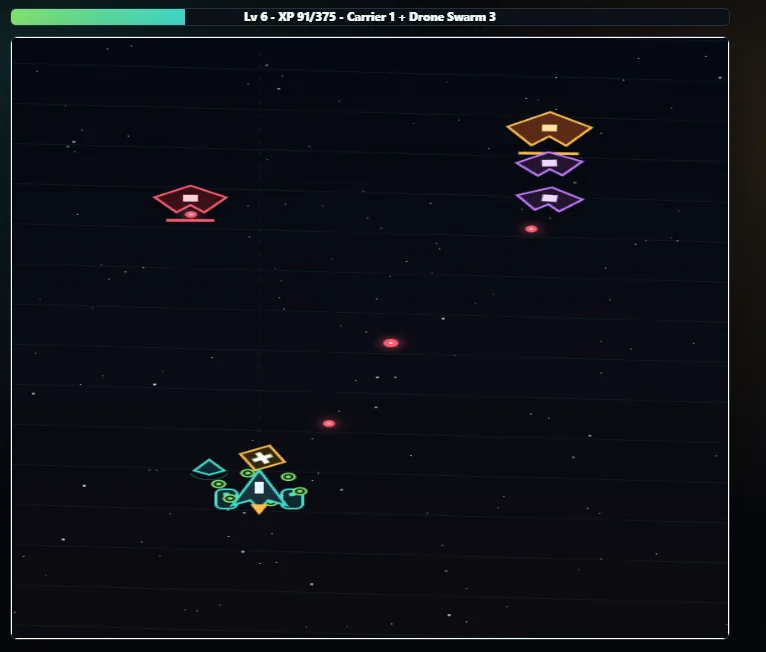
Shooter reference for waves, projectile timing, readable HUD states, fixed scoring, and replay testing.
Prompt focus: enemy waves, cooldowns, health, score hookBefore and after prompt refinements
The best prompts describe the player verb, scoring, fail state, feedback, and what should happen after a run ends.
First prompt skips the test checklist
Before
Make a platformer with coins and enemies.
After
Make a short platformer with left-right movement, jump, three platforms, five coins, one enemy, coin score, damage on enemy contact, a goal flag, game-over state, result screen, and restart button.
The revised prompt gives the AI a small level with every item needed for the first manual test.
Follow-up prompt is too broad
Before
Make it better and more polished.
After
Keep the level layout. Increase jump height by 15 percent, make platforms wider, add a coin sound, show final score on the result screen, and keep the existing restart button.
A focused revision protects the parts that already work while fixing the specific blocker from testing.
Prepared guided demo replay
This is a prepared first-draft replay, not live anonymous AI generation.
Choose a starter prompt
Create a polished Snake game with arrow-key controls, growing length, collision rules, score UI, restart flow, and a GalaChain-ready leaderboard hook.
Replay stages
- Prompt interpretationGary turns the starter prompt into the first game plan.
- Mechanics selectionThe replay highlights controls, hazards, scoring, and fail states.
- Controls and scoringThe playable draft connects input, score changes, and restart behavior.
- SDK publish readinessThe draft is checked for Playworks score hooks and public-page readiness.
- Testing checklistUse the checklist to decide what to improve before making your own version.
Testing checklist
Custom prompt requires sign-in
Save a custom prompt, then continue in the creator workspace.
Step 1: choose the smallest playable idea
Start with a loop that fits one screen or one short level. A small game can still feel complete when the controls, score, pressure, and restart flow are clear.
- Good first ideas: land a ship, dodge hazards, collect coins, survive waves, solve a move-limited puzzle.
- Save advanced systems, story, upgrades, and rewards for later prompts.
- Use public games as references for pacing and readability.
Step 2: write a prompt the AI can build from
The prompt should read like a short production brief. It should name what the player controls, what the objective is, what makes the game hard, how score changes, and what happens after losing.
- Include controls such as WASD, arrow keys, mouse, or touch buttons.
- Include a scoring rule and a fail condition.
- Ask for a start screen, HUD, result screen, and restart button if the game needs them.
Step 3: test the generated draft
Do not judge the draft only by how it looks. Play it. Confirm input, score, collisions, timer, fail state, restart behavior, and whether the first 10 seconds make sense to a new player.
- Run the game at least three times before writing a follow-up prompt.
- Write down one confusing thing and one thing that already works.
- Compare the draft with a public Playworks example before publishing.
Step 4: refine one blocker at a time
Follow-up prompts work best when they are specific. Change the biggest blocker first: slow movement, unclear score, missing restart, crowded enemies, unreadable HUD, or weak game-over copy.
- Good follow-up: Increase jump height by 20% and add a shadow under platforms.
- Good follow-up: Show combo score in the HUD and explain it on the start screen.
- Avoid: Make it more fun, polish everything, or redesign the whole game.
Step 5: prepare for publishing
Publishing turns the draft into a public page. Check title, description, cover art, player objective, controls, score rules, leaderboard behavior, and reward terms if the game uses rewards.
- Use player-facing copy, not internal prompt language.
- Match leaderboard copy to the score players see at game over.
- Add rewards only when eligibility and score rules are easy to explain.
Tutorial steps
- Choose one core loop the player can understand quickly: dodge, collect, land, jump, shoot, solve, or defend.
- Write the first prompt with genre, camera, controls, scoring, pressure, fail state, restart flow, and visual style.
- Generate the first playable draft and test controls, score changes, fail state, and restart behavior.
- Write one focused follow-up prompt based on the biggest issue found during playtesting.
- Review title, description, cover art, player instructions, leaderboard settings, and reward copy before publishing.
- Publish, share the public page, and watch plays, scores, and creator analytics.
Mechanics to include
- Write a one-sentence player objective before prompting.
- Choose one input scheme and keep it consistent in copy and UI.
- Add a score rule that rewards skill, speed, accuracy, or survival.
- Include fail state, result state, and restart flow in the prompt.
- Use a follow-up prompt for one observed problem, not a full redesign.
- Check public-page metadata before publishing.
Common mistakes to avoid
- Starting with a large game concept instead of a playable loop.
- Writing style and theme without controls or scoring.
- Skipping playtesting because the draft loads successfully.
- Changing several systems in one follow-up prompt.
- Adding leaderboard or reward copy before the score is stable.
- Using placeholder title, description, or cover art on the public page.
Common failure modes and fixes
When a generated draft feels off, adjust one part of the prompt and run a focused revision.
The first generated game is too large to test.
- Likely cause
- The prompt asked for multiple systems before the core loop worked.
- Fix prompt
- Reduce the game to one screen, one player verb, one hazard, one scoring rule, one fail state, and one restart button.
Controls feel unresponsive on the first run.
- Likely cause
- The prompt did not specify input keys, movement speed, acceleration, or mobile fallback controls.
- Fix prompt
- Use arrow keys and WASD for movement, add touch buttons on narrow screens, show control hints, and tune speed so the player can dodge the first hazard reliably.
The follow-up prompt changes too much at once.
- Likely cause
- The revision asks for theme, balance, art, scoring, and publishing changes in a single request.
- Fix prompt
- Change only the current blocker. Keep the theme and level layout, then adjust collision size, score feedback, restart flow, or enemy count in one focused revision.
Next actions
Related tutorials
Review browser controls, loops, and public game expectations.
Use a specific prompt walkthrough for a classic arcade loop.
Build a wave-based shooter prompt with movement, projectiles, and scoring.
Prepare release details after the draft is playable.
Related paths
Use the broad maker page for product capabilities and publishing flow.
Generate a first draft from a structured prompt.
Follow the action-focused creation path.
Pick a genre-specific starting point.
Play public examples before creating your own.
Connect scoring and rankings after the first draft works.
Review reward setup after scoring and eligibility copy are clear.